Side Project
Exploring AI-assisted product building through a personal finance app.
Designing beyond the canvas.
Role
Design Engineer
Timeline
May 26 - Present
Team
Solo Project
Tools
Claude Code and Chat (Sonnet 4.6 and Opus 4.7), Figma Design, Figma Make, Expo Go, Github
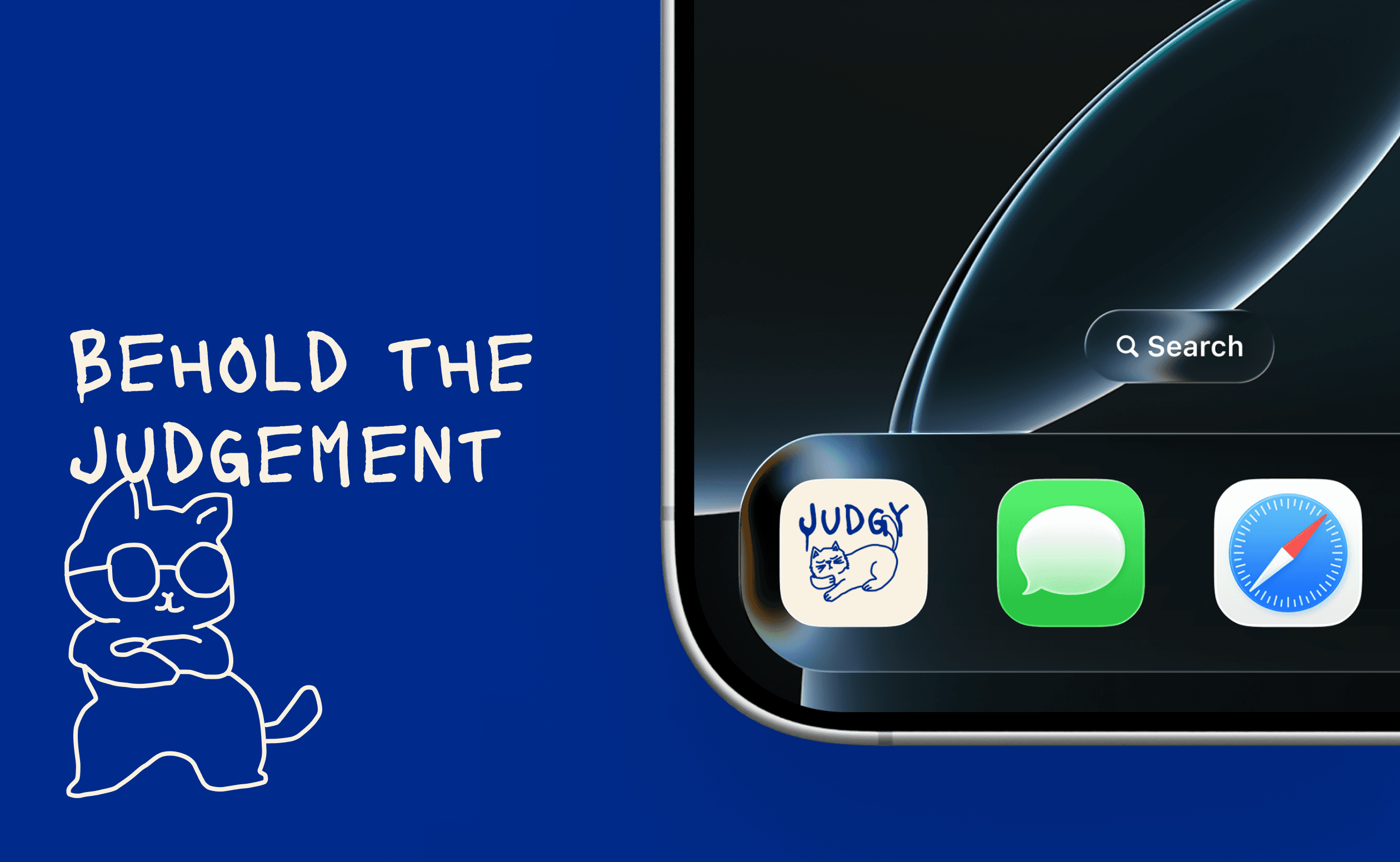
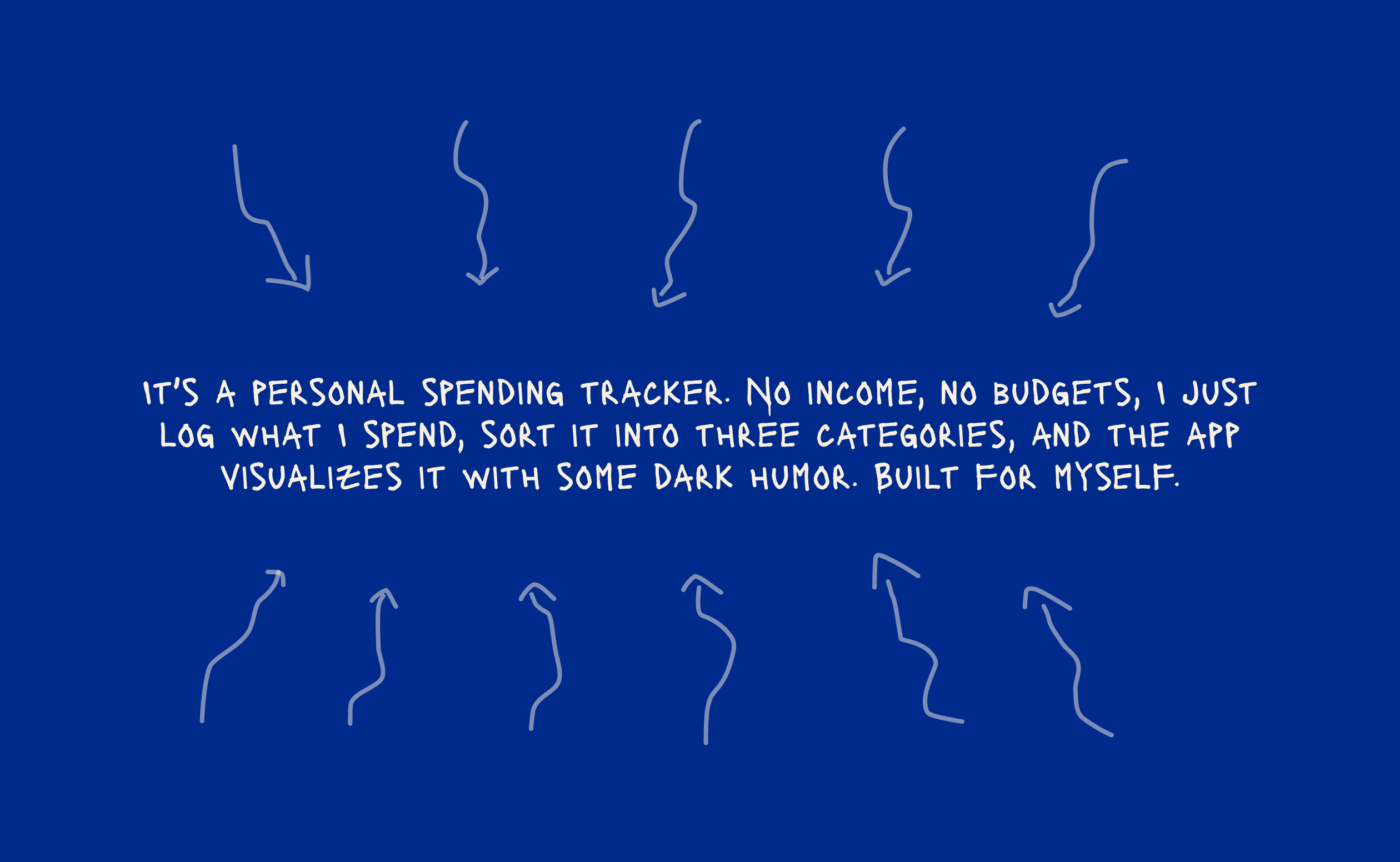
A lightweight expense tracking app designed to reduce cognitive overload around budgeting while exploring how AI changes the workflow between: design, development, and product thinking.
The (non-linear) process:
Identifying the real problem (narrowing down the scope).
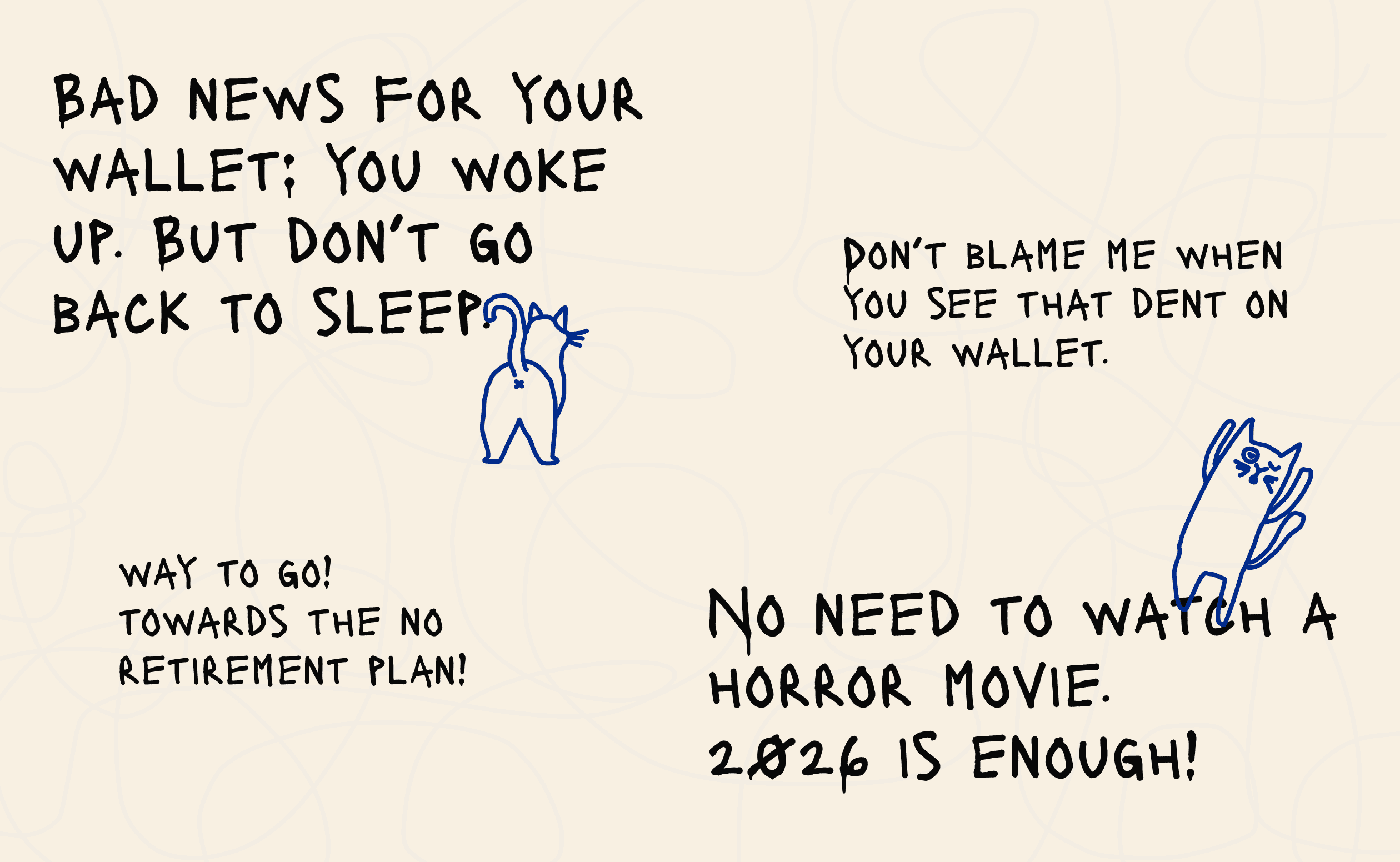
Designing the visual "taste".
Building the MVP with Claude Code and Figma MCP.
Testing the MVP by using it in real life.
Highlights from the process:
Highlight 1:
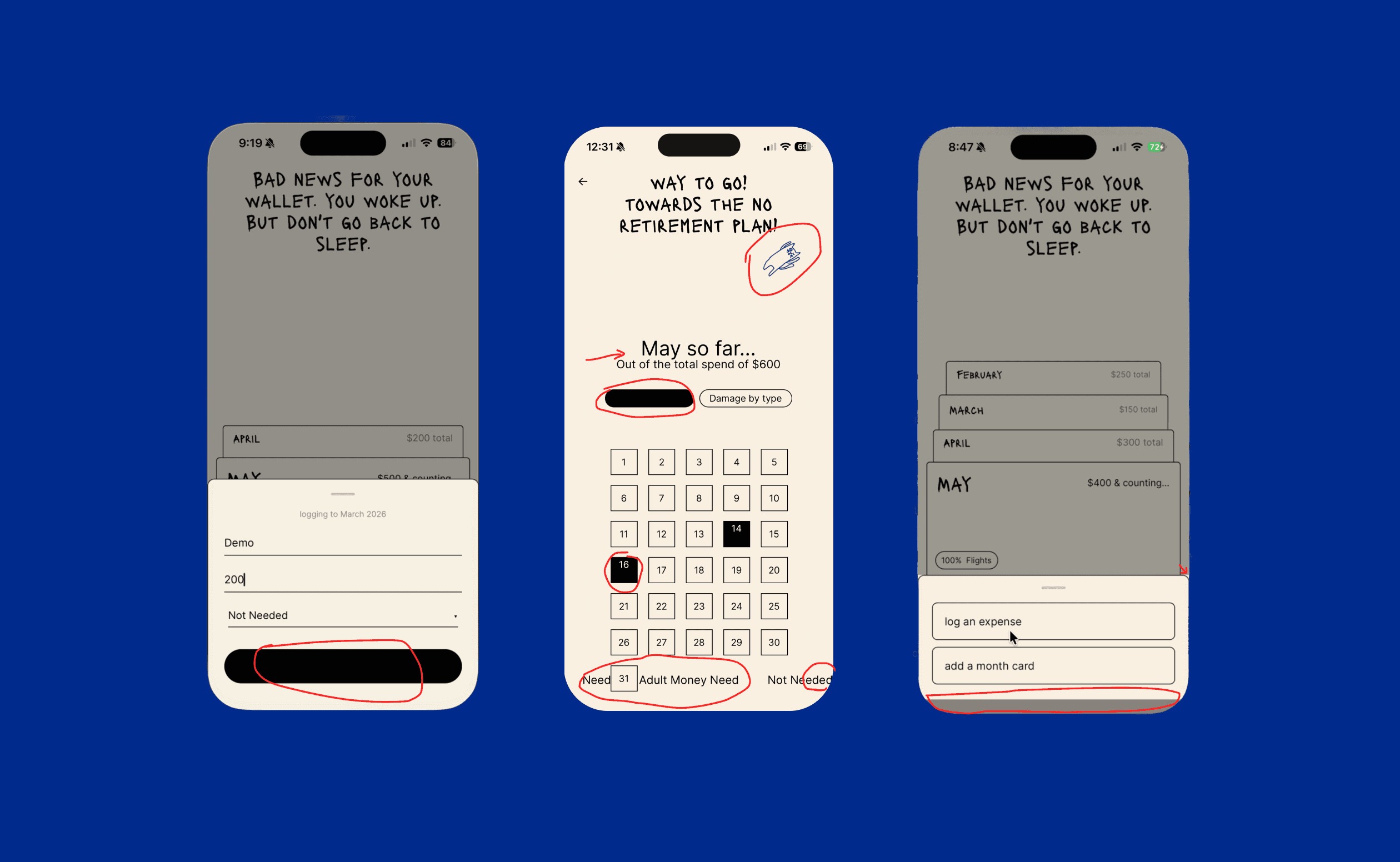
Can AI keep a design consistent across screens?
Tried
Built screens fast, one after another.
Happened
Each screen was fine alone, incoherent together. Spacing moved, borders changed color, the cat's voice got watered down. I wrote longer prompts. The drift stayed.
Found
The AI doesn't remember the project between sessions — the design rules only lived in my head, so it guessed every time. I moved the rules into a file (claude.md) that reads every run. Drift dropped, didn't disappear. The review is still mine, every screen.
Placeholder
Highlight 2:
What does using the app in daily life reveal that designing it doesn't?
Tried
AI made it cheap to ship a runnable build, so I used it on my phone every day.
Happened
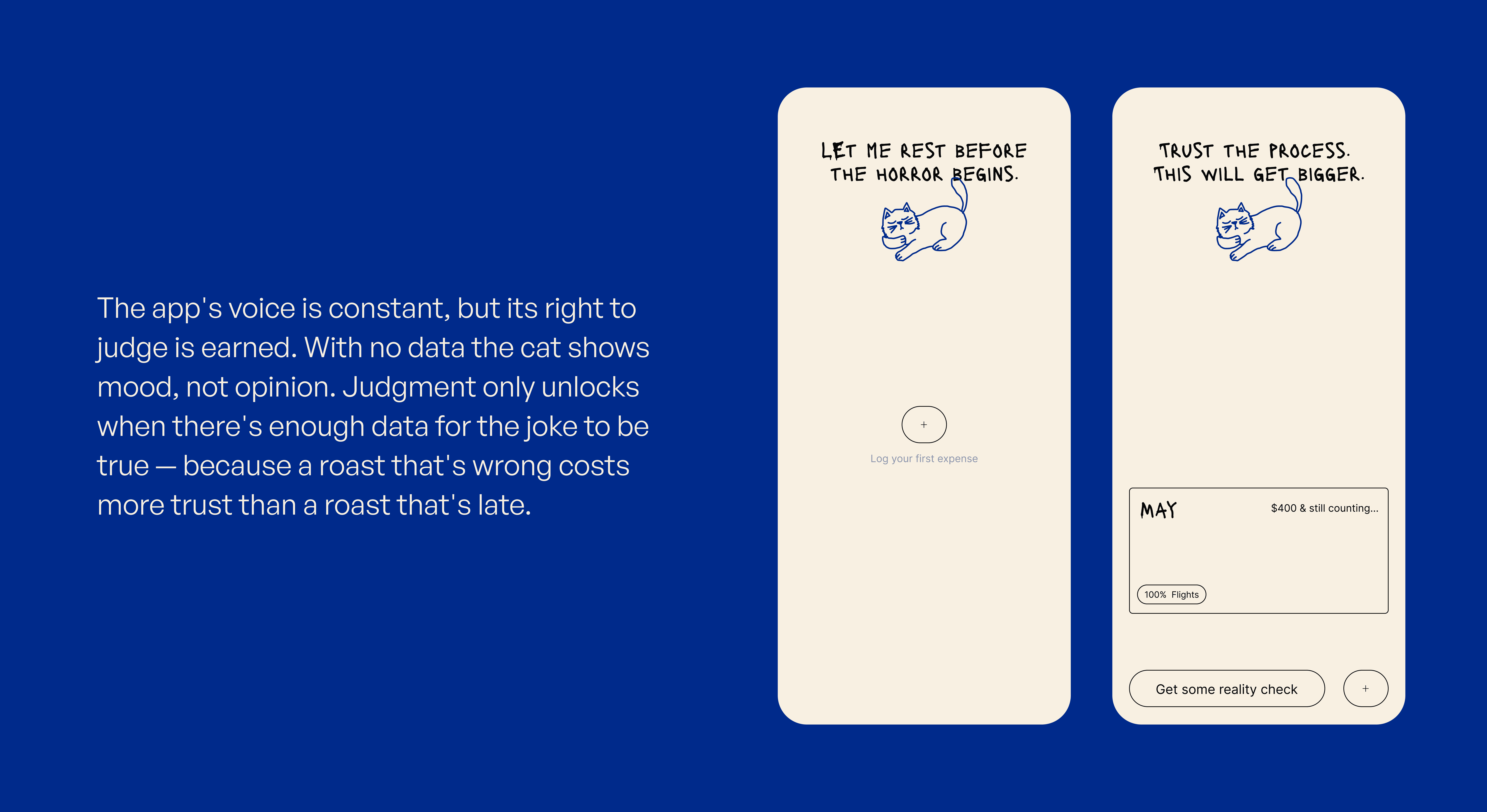
It threw situations I'd never have listed by planning — opening the app with zero data was the first, meaning I had to design for handling empty states and the edge cases kept coming, faster.
Found
Planning catches the edge cases you can imagine and think of through hypothetical situations or running user tests. Using the app in the right environment catches the ones you can't. AI speed didn't just deliver faster — it got me to those problems sooner.
Placeholder
Highlight 3:
Can you do motion?
Tried
Four approaches — let AI explore freely, prompt precisely, feed reference links, mix references with prompts.
Happened
Free exploration was rubbish. Precise prompts came close, then diluted with default motion. References worked best. The mix worked.
Found
AI executes a target it's given far better than one it invents. With motion the gap is widest — words are a lossy spec for something temporal. Open question I won't pretend to have closed: AI rearranges what it's seen, it doesn't originate motion. My honest guess is the designers using it for motion aren't generating new motion — they're executing motion they already conceived. And this execution here is a new venture.
Final Thought
The biggest shift wasn't the app. It was getting out of my own head — a running thing, used daily, surfaced problems faster than thinking ever did, and AI is what made building that fast. But speed isn't direction. Every point this could have gone wrong, the correction was human: the vision, the taste, the call on where AI wasn't allowed to operate. AI works inside the walls of what it's seen. Thinking past them is still the designer's job — the part that mattered most. The gap between idea and execution is shrinking. The gap between execution and judgment isn't.
Next step: Exploring voice interface to reduce the friction of logging expenses on the app.